Faraday bag for your phone: when it helps, and which kind to buy
About our links: We earn a commission from some services we link to.
On this page
A Faraday bag for your phone is a pouch lined with metal-coated fabric. Seal the phone inside and radio signals can no longer get in or out: no calls, no data, no Wi-Fi, no Bluetooth, no location fix. Good bags do this well. Cheap pouches and kitchen-drawer substitutes often don't, and even a good bag only protects you while the phone is sealed and useless. Before you buy one, it helps to know exactly what it stops, how to check that yours works, and when your phone's own settings would do more.
Do Faraday bags work?
The most useful independent answer comes from Matt Blaze, a security researcher who measured phone-sized bags in a radio test chamber and published the results in December 2021. He tested from 1 to 6 GHz, which covers most cellular bands, Bluetooth and 2.4 GHz Wi-Fi.
What he found, in short:
- Two commercial pouches, the EDEC OffGrid and Mission Darkness's window bag, blocked strongly across the whole range.
- A third commercial pouch, EDEC's window model, did well at lower frequencies but weaker at the top of the range. Blaze suspected small gaps at its Velcro closure.
- Homemade options fell short. Anti-static bags barely registered, a metal cookie tin was not enough, and aluminum foil sometimes matched the good pouches but only with careful folding, and not reliably.
He did not test the millimeter-wave 5G bands above 20 GHz, and his results apply only to the bags he measured. The lesson still carries: a well-made bag works, the closure is where it fails, and improvised shielding is a gamble.
What a sealed bag blocks, and what it doesn't
| Signal or risk | While the phone is sealed | What to know |
|---|---|---|
| Calls, texts, mobile data | Blocked | Calls go to voicemail, and you cannot call emergency services either |
| GPS | No location fix | GPS only receives, so the bag stops the phone working out where it is |
| Wi-Fi and Bluetooth | Blocked | Includes the Find My beacons Blaze notes some iPhones send even after being powered off |
| NFC (tap to pay, transit cards) | Blocked | A card in the same bag is shielded too |
| What the phone records | Not blocked | Blaze warns a compromised phone could record audio and send it once it is out of the bag |
| Where you were before sealing it | Not touched | Your carrier saw the last cell site, and any saved location history stays saved |
| The moment you open it | Not protected | The phone reconnects at once and catches up on everything it missed |
That last row trips people up. MOS Equipment, which makes Mission Darkness bags, puts it plainly in its guide for protesters: the phone starts broadcasting as soon as the bag opens, so seal it before you arrive and open it only after you have left.
Mission Darkness says its phone bags block Wi-Fi at 2.4 and 5 GHz, Bluetooth, cellular including 5G, GPS, RFID, NFC and radio from low MHz up to 40 GHz, and that its shielding fabric is lab tested to the MIL-STD-188-125 and IEEE 299-2006 shielding standards. Those are the maker's claims; it says full test reports are available on request.
Test it at home in ten minutes
Never trust a bag you have not tested. These checks need nothing you don't already own.
- Call the phone. Seal it inside, closure rolled exactly as the maker says, then call it from another phone. It should go straight to voicemail. MOS Equipment suggests this test and recommends repeating it before each time you rely on the bag.
- Drop the Bluetooth link. Play music from the phone to a Bluetooth speaker or earbuds, then seal the phone. The sound should cut out within seconds.
- Hide a tracker. Blaze's quick go or no-go check: put an AirTag or similar tracker in the bag, then see whether your phone can locate it or make it play a sound. He warns that the Find My app can show a cached location, so watch for a fresh update rather than an old pin.
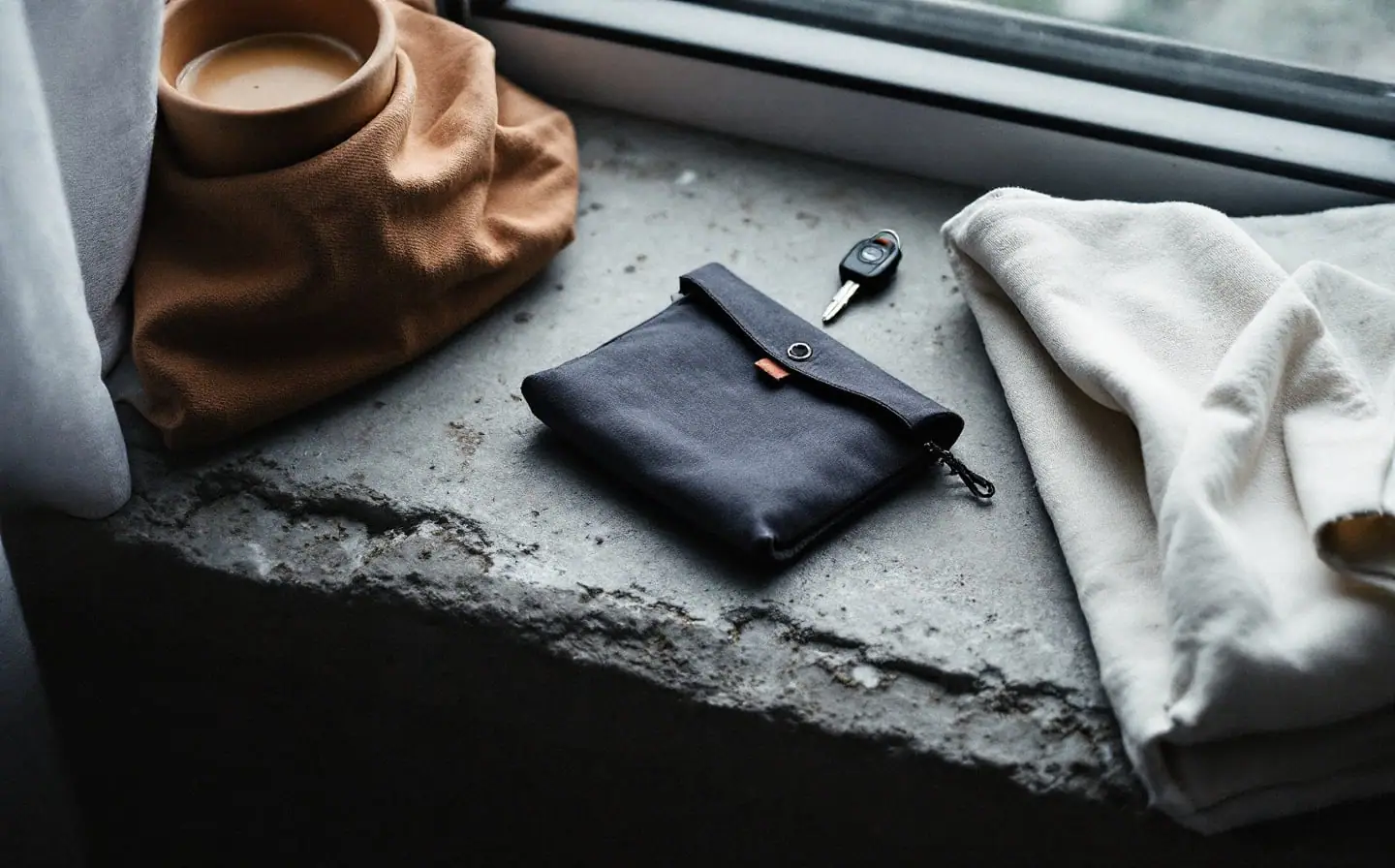
- Try the car. For a key fob pouch, put the fob in, walk to the car and pull the door handle or press the start button. If the car responds, the pouch is not doing its job.
- Repeat every few months, and any time the bag has been crushed, soaked or snagged.
Choosing a phone bag
Size
Measure your phone in its case. Makers list the interior size when the bag is closed, which is smaller than the bag looks flat, and the phone needs to fit with room for the opening to roll over at least twice. A large phone in a thick case often needs the next size up. Tablets and laptops have their own bags.
Closure
This is where bags leak. Mission Darkness's roll-top design asks you to roll the opening down twice and press a full-width Velcro strip shut, and its product page warns that a cable, strap or corner of fabric caught in the closure will let signals through. Its NeoLok version replaces the Velcro seal with magnets sewn into a double roll. Whatever the design, close it the same careful way every time, and never run a charging cable through it.
Window or no window
A clear window lets you see the screen without opening the bag. Blaze's tests suggest a window does not doom a bag (the Mission Darkness window bag performed well), but a plain non-window bag is simpler and leaves one less seam to worry about.
Durability
The shielding is a metal-coated fabric, and folds, seams and corners wear with daily use. Mission Darkness advises avoiding punctures and sharp objects and not sealing a wet device. A bag that passed the call test in spring can fail by winter, which is why the retest matters. When the call test fails, replace the bag.
Which kind to buy
Note that Blaze measured Mission Darkness's window bag, not the non-window bag named below, so give any bag the call test the day it arrives.
The Mission Darkness non-window phone bag is the one to choose if you want the phone fully dark for hours at a time: two layers of shielding fabric, a ballistic nylon outside and a roll-top closure. A lighter two-pack pouch is fine for occasional use, as long as it passes the same tests.
Key fob pouches and relay theft
Keyless entry lets a car open and start when the fob is close by. In a relay attack, thieves use two radio devices to stretch the fob's signal from inside your house to the car parked outside, so the car thinks the key is next to it. In 2023 AAA warned drivers about relay attacks. It said they were not widespread, and listed signal-blocking pouches among the defenses, along with keeping fobs away from the car and keeping valuables out of sight.
A small fob pouch by the front door is the simplest fix: keys go in when you come home. A few habits help too:
- Keep keys away from the front door and windows, where a relay device outside has the best chance of reaching them.
- Put the spare fob in a pouch as well. Thieves don't care which key answers.
- Check your owner's manual. Some cars let you switch off keyless entry, and some fobs have a sleep mode.
When location settings do more
If what bothers you is apps and companies recording where you go all day, a bag is the wrong tool. It only works while the phone is sealed, and nobody keeps a phone sealed all day. Your settings work around the clock.
- iPhone. In Settings, then Privacy & Security, then Location Services, set each app to Never or While Using, and turn off Precise Location for apps that don't need it. Under System Services, you can turn off Significant Locations & Routes. Apple's personal safety guide notes that apps and websites may still estimate your location by other means, and that your location may still be used for emergency calls.
- Android. In Settings, then Location, then App location permissions, choose "Allow only while using the app" or "Ask every time" for most apps. Google's help center says Timeline, which saves your visits and routes, is off by default; check in Google Maps that it still is.
Location is only one of the threads that tie your phone to you. Your number does more, as our piece on how your phone number links your accounts explains, and location data collected by apps is one of the sources brokers use, which is covered in what a data broker knows about you. If you want a quick sense of how exposed you are overall, take the exposure quiz.
Who actually needs one
A Faraday bag earns its place if you sometimes want a phone completely offline for a set stretch: a sensitive meeting, a protest, a trip where you want a spare phone dark until you need it. A fob pouch earns its place if you own a keyless car and park it near the house. For everyday privacy, the settings above do far more, for free.
If you do buy a bag, remember the one test that matters: seal the phone, call it, and listen. Silence means it works.
Privacy kit
- NordVPNEncrypts your connection on public Wi-Fi and hides your IP address from sites you visit.Start with NordVPN
Chosen from specifications, policies and published reviews; we have not tested these ourselves. More in the Privacy kit
Your next three steps
- Turn off location access for apps that don't need it, and reset your advertising ID.
- When you want the phone silent for an hour, a Faraday bag blocks every signal; test it by calling the phone inside.
- Take the exposure quiz for the rest of your list.
Related briefings
- Remove Your Data
How to remove your home address from Google search
Where your address shows up in Google, which removal route fits each kind of result, and what Google will not take down. A calm, step by step routine.
- Remove Your Data
How to stop prescreened credit and insurance offers
Prescreened card and insurance offers start in your credit file. How the official opt out works, how to read the notice and what the opt out will not stop.
- Online Safety
Fake delivery texts before the holidays: how to check them
Fake delivery texts peak as holiday parcels ship. How to spot the usual lures, check with the carrier yourself, and what to do if you already tapped.