The best security key for most people, and why you should buy two
On this page
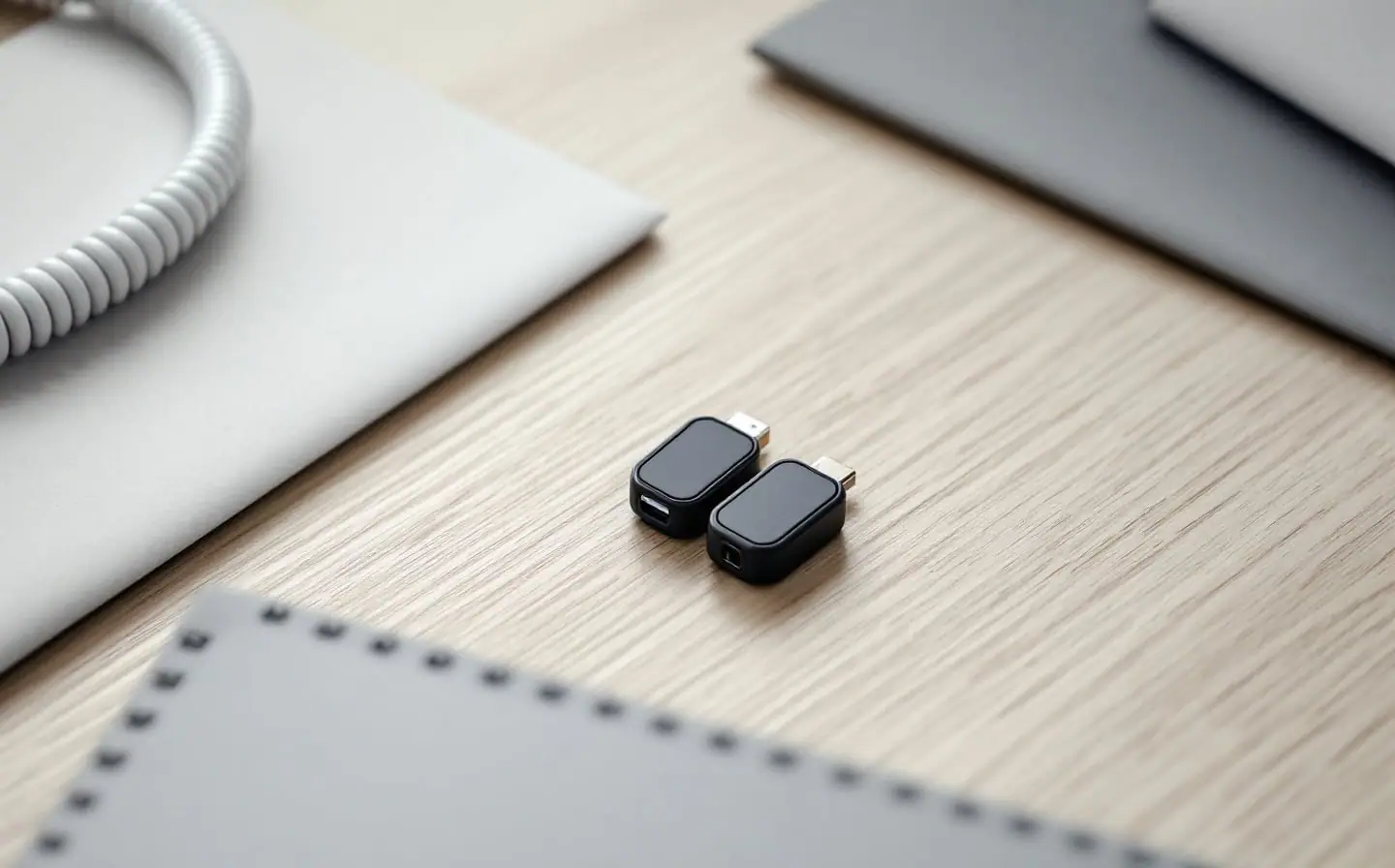
The best security key for most people is a plain FIDO2 key with NFC and the plug your computer uses, bought in a pair. In practice that means Yubico's Security Key series: the Security Key C NFC for USB-C laptops and phones, or the Security Key NFC if your computer still has USB-A ports. The more expensive YubiKey 5 series is for people who need the extra things it can do, and most people don't. The picks here are based on Yubico's published specifications and technical documentation, the help pages of the accounts you will use them with, and Wirecutter's published review, not our own testing.
The part people skip is the second key. A security key cannot be copied or backed up, so the spare is not an extra. It is the backup.
Privacy toolkit for this job
- NordPassOne unique password per account, filled only on the real site.Start with NordPass
Picked from published documentation and reviews, not our own testing. We earn a commission from some services we link to. The full Privacy kit
The short answer
| Your situation | Key to get | Why |
|---|---|---|
| Recent laptop with USB-C, any phone with NFC | Security Key C NFC | Does passkeys and two-step sign-in; plugs in or taps |
| Older computer with USB-A ports | Security Key NFC | Same key with a USB-A plug |
| You want authenticator codes stored on the key, or use smart cards or PGP | YubiKey 5C NFC or YubiKey 5 NFC | Adds the older protocols covered below |
| You are not sure | Start with the Security Key series | Most people never use the extras |
Wirecutter's January 2024 guide, by Max Eddy, came to the same split: it named the Security Key C NFC its top pick for nearly everyone and the YubiKey 5C NFC its upgrade pick, which it said does more than most people need.
What a security key actually does
A security key stores a separate private key for each site you register it with, and it only answers the real site that key was made for. A fake login page at a look-alike address gets nothing it can reuse. That is the property CISA cares about: its fact sheet on phishing-resistant MFA calls FIDO/WebAuthn authentication the only widely available phishing-resistant kind. Text codes and authenticator-app codes can both be typed into a fake page; a key cannot.
Sites use a key in one of two ways:
- As a second step after your password. Nothing is stored on the key, so there is no limit on how many sites you add.
- As a passkey stored on the key. You sign in with the key and its PIN, without a password. Each passkey takes one slot. Yubico raised the limit from 25 to 100 passkeys per key with firmware 5.7, released in 2024, on both the Security Key series and the YubiKey 5 series.
Both kinds are covered by FIDO2, the current standard, and every key in this piece supports it along with the older FIDO U2F that some sites still use.
NFC, USB-A or USB-C
Choose the plug for your computer and NFC for your phone. Apple's support page for security keys on an Apple Account sets out what works with its devices:
- NFC works with iPhone: you tap the key on the phone. Apple lists it for iPhone only, not Macs.
- USB-C fits iPhone 15 and later and most Macs.
- Lightning fits iPhone 14 and most earlier models. Yubico's YubiKey 5 series includes a Lightning model; the Security Key series does not.
- USB-A fits older Macs, or newer ones through a USB-C adapter.
On Android, Google's help page says your phone can detect an NFC key when you sign in, or you can plug a key into the USB port, with an adapter if needed. Adapters work, but they are one more small thing to lose, so match the key to the computer you use most.
What the YubiKey 5 adds, in plain terms
Yubico's technical manual says the Security Key series supports only the FIDO standards, FIDO2 and FIDO U2F. The YubiKey 5 series adds four more:
- OATH codes (TOTP and HOTP). The key stores the six-digit codes an authenticator app would normally keep, and you read them through Yubico's free Authenticator app on your phone or computer. Your codes then travel with the key instead of living on one phone. Firmware 5.7 raised the limit to 64 accounts.
- Yubico OTP. Yubico's own one-time password, typed by the key when you touch it. Wirecutter notes it is not widely used.
- Smart card (PIV). Certificate-based sign-in to computers and company networks. Mostly a workplace feature.
- OpenPGP. Storage for PGP keys used to sign and encrypt email and files, for people who already use PGP.
If none of those mean anything to you, you don't need them. Both series need no battery, and Yubico rates the YubiKey 5 series IP68 and crush resistant. Two limits apply to both: Yubico's manual says firmware cannot be updated once a key is made, so a key keeps the features it shipped with, and Wirecutter lists the closed-source firmware and hardware as a drawback for people who value open designs.
Which one to buy
Buy two of the same model, or one for the key ring and one for home in whichever plug suits your second computer. For most readers that is the Security Key C NFC, twice. If you already use an authenticator app for dozens of accounts and want those codes off your phone, look at the YubiKey 5C NFC instead.
Which accounts accept a key
Start with the accounts that can reset everything else. At the time of writing, their help pages say:
| Account | What the key does | Worth knowing |
|---|---|---|
| Second step for 2-Step Verification with any FIDO key, or a passkey on a FIDO2 key | Google suggests keeping an extra key in a safe place; keys added before May 2023 may need to be removed and added again to hold a passkey | |
| Apple Account | Replaces the six-digit code when you sign in on a new device | Requires at least two FIDO Certified keys and accepts up to six; every signed-in device needs iOS 16.3, iPadOS 16.3 or macOS Ventura 13.2 or later; not available for child accounts |
| Microsoft account | Signs you in with a FIDO2 key instead of a password, or stores a passkey | You set a PIN on the key during setup |
| 1Password | Second factor for your 1Password account | Replaces the six-digit code in supported apps and browsers |
| Bitwarden | Two-step login | Included on free accounts |
| NordPass | Multi-factor sign-in on the Nord Account NordPass uses | Accepts USB, NFC or Bluetooth keys; see our NordPass review |
Many banks and shops still offer only passwords and text codes. Use the strongest option each one offers, and treat the key as protection for the accounts that matter most rather than for all of them. If you are new to all of this, our guide to password managers, passkeys and two-step codes explains how the pieces fit before you add hardware.
Why two keys
- A key cannot be backed up. Lose it, and every site it was registered with needs another way in.
- Apple requires two, and Google suggests keeping a spare.
- The PIN has a limit. Yubico's manual says eight wrong PIN entries in a row lock the FIDO2 function, and the reset that clears the lock also erases every passkey and FIDO registration on the key.
- Weak fallbacks undo the key. The experts Wirecutter spoke with recommended a backup key and cautioned that attackers may try to push you onto a backup method that can be phished. If your only fallback is a text message, that is the door a scammer will knock on. Our piece on how your phone number links your accounts explains why.
Setting up the pair
- Set a PIN on each key the first time a site or your phone asks for one. Use a different PIN from your phone's.
- Add both keys to your main email account in the same sitting. Look under security, passkeys or two-step verification.
- Repeat for the account that syncs your passwords and passkeys, then your password manager and your money accounts.
- Save or print the recovery codes each account offers and keep them with the spare key.
- Sign out once and sign back in with the spare, so you know it works before you need it.
- Keep the spare at home, not on the same key ring.
- Keep a short list of where each key is registered, account names only. If a key goes missing, remove it from each account on the list and register a replacement.
Before you order
Check which ports your computer has, whether your phone has NFC, and which of your accounts accept keys today. Then order two keys at once, from Yubico or a seller that ships Yubico's own stock, and set them up on the same evening they arrive. A key sitting in its packaging protects nothing.
Privacy kit
- NordPassCreates and stores a unique password for every account.Start with NordPass
Chosen from specifications, policies and published reviews; we have not tested these ourselves. More in the Privacy kit
Your next three steps
- See how long your current password pattern would last in the password strength check; it runs in your browser.
- Move every account to its own password in a manager such as NordPass.
- Put a security key on your email first, then the bank, and keep a second key as the backup.
Related briefings
- Online Safety
Do I need a VPN at home? What it protects and what it doesn't
A VPN hides your browsing from your internet provider and your IP address from websites. It does not stop phishing, trackers or data brokers. How to decide.
- Online Safety
Faraday bag for your phone: when it helps, and which kind to buy
A good Faraday bag cuts every signal to your phone while it is sealed. What it blocks, what it doesn't, how to test one at home, and which kind to buy.
- Online Safety
Fake delivery texts before the holidays: how to check them
Fake delivery texts peak as holiday parcels ship. How to spot the usual lures, check with the carrier yourself, and what to do if you already tapped.